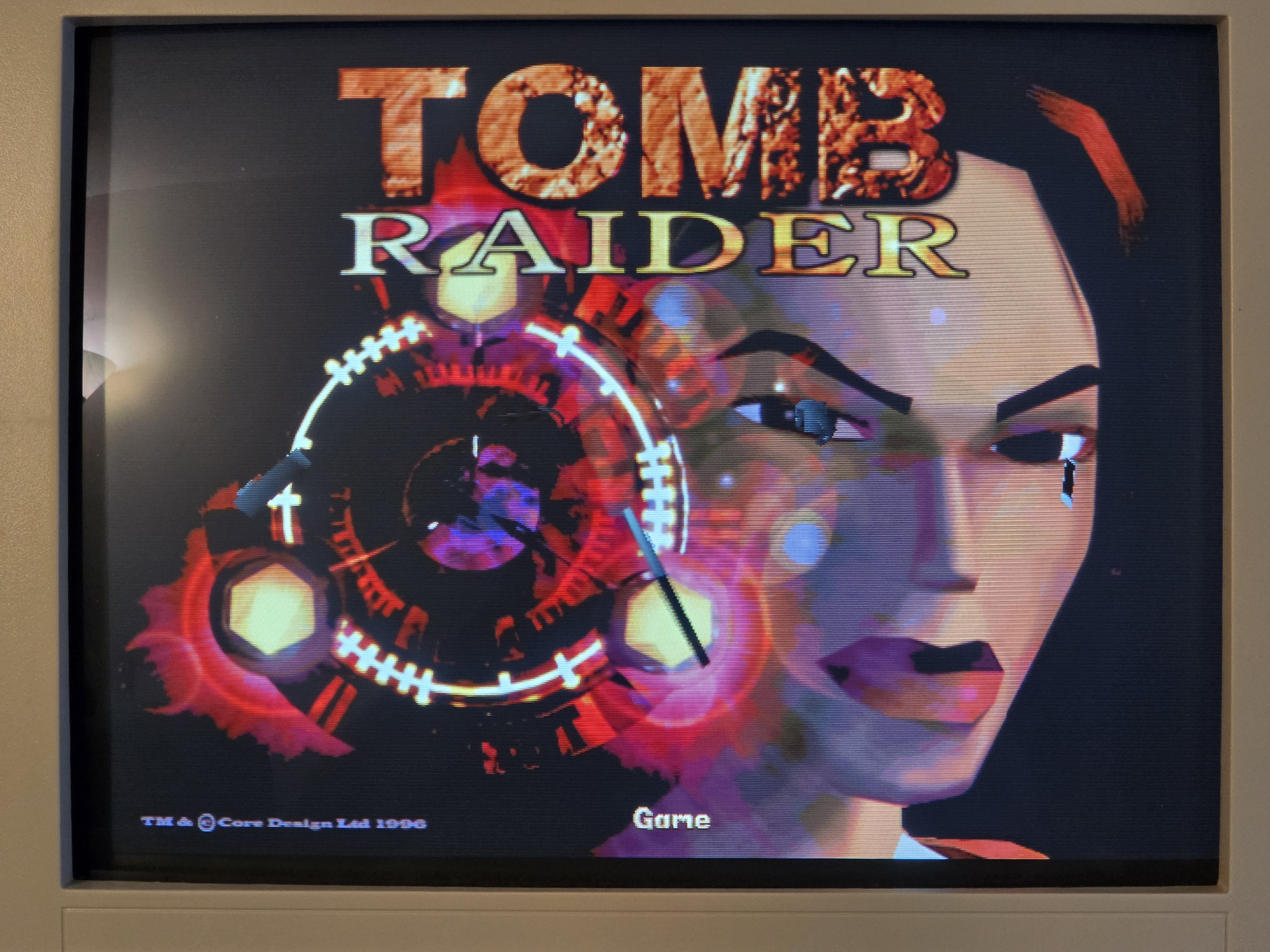
Lucky owners of multiple 3Dfx Voodoo graphics cards from different generations might be familiar with the problem that especially the early 3Dfx games running under DOS don’t run properly on a Voodoo 2, show graphical glitches, or crash the PC outright.
The reasons for this are varied, but most of the time, the old games require very specific parameters or can’t handle the fact that the Voodoo 2 has two TMU units and more memory. As an example, I’d like to mention the first Tomb Raider from 1996. If you launch the 3Dfx version of this game on a Voodoo 2, you do get an image, but the colors are displayed incorrectly.
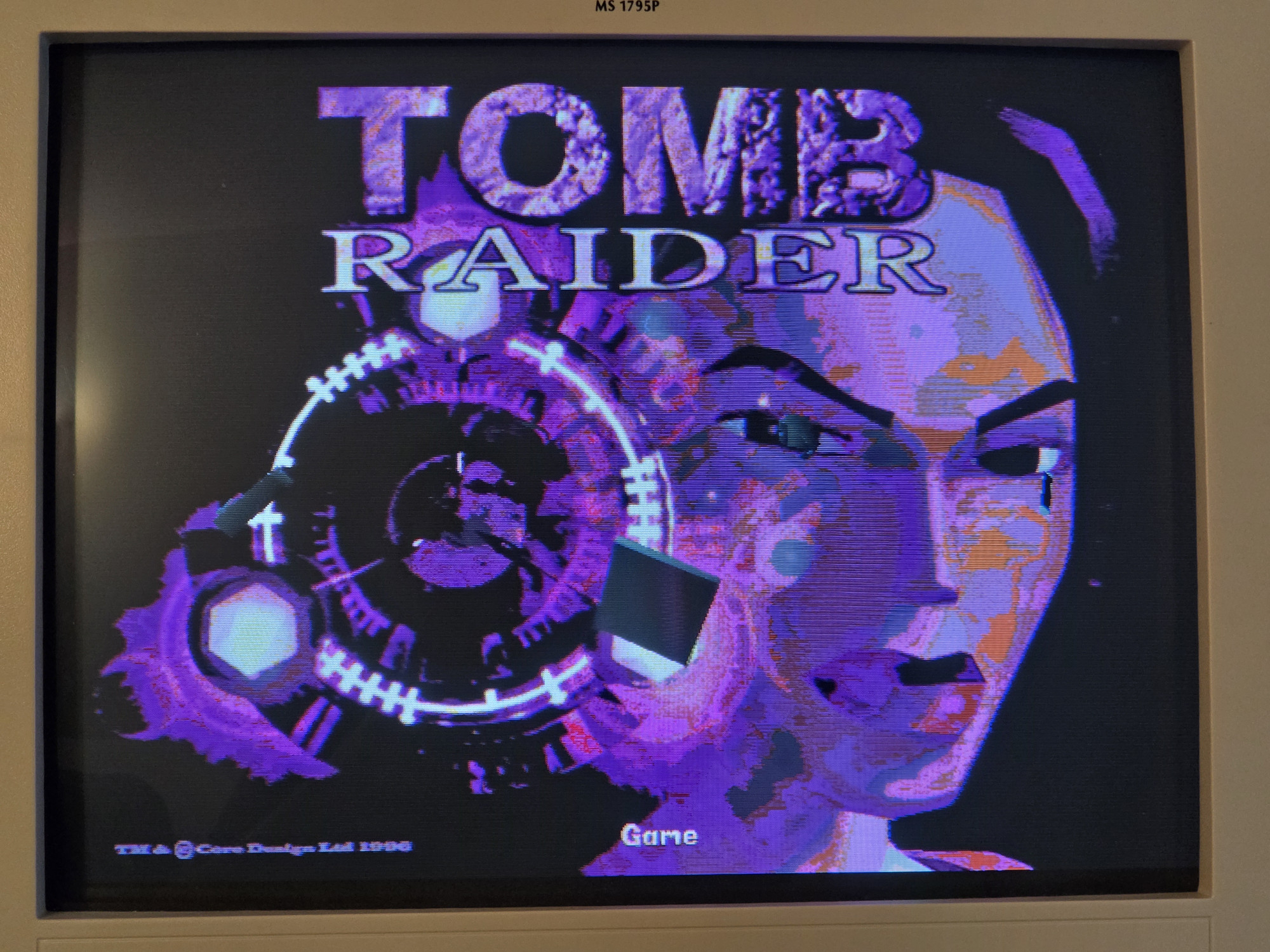
However, for most 3Dfx games, including Tomb Raider, you can eliminate these problems with a simple batch script:
@echo off

set SST_GRXCLK=90

set SST_FT_CLK_DEL=0x4

set SST_TF0_CLK_DEL=0x6

set SST_TF1_CLK_DEL=0x6

set SST_VIN_CLKDEL=0x1

set SST_VOUT_CLKDEL=0x0

set SST_TMUMEM_SIZE=2

set SST_SCREENREFRESH=60

set SST_SSTV2_FASTMEM=1

set SST_SSTV2_FASTPCIRD=1

set FX_GLIDE_ALLOC_COLOR=3

GAME.EXE
Just copy and paste the script and save it as a batch file in your game directory. Replace GAME.EXE with the games executable file at the end of the Script and use it to launch the respective game. Colors will be displayed correctly again, and the crashes should also be a thing of the past.